-40x40w.png)





-250x250w.png "SOTI")


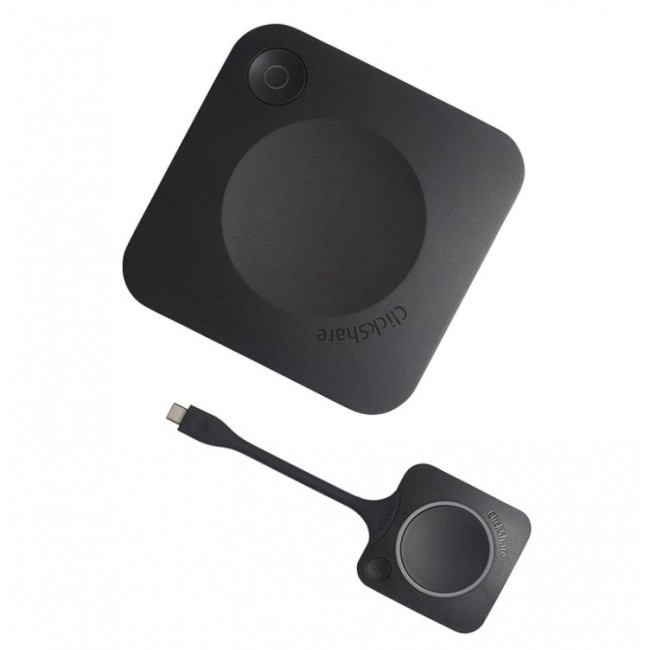
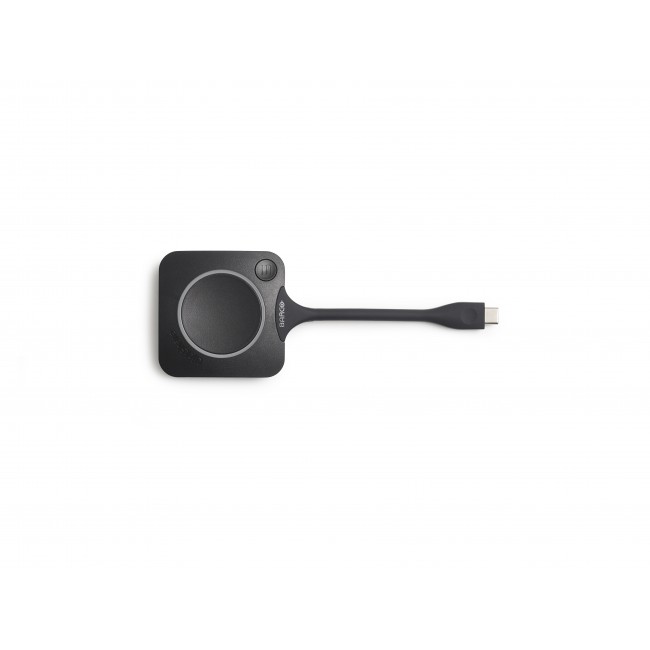


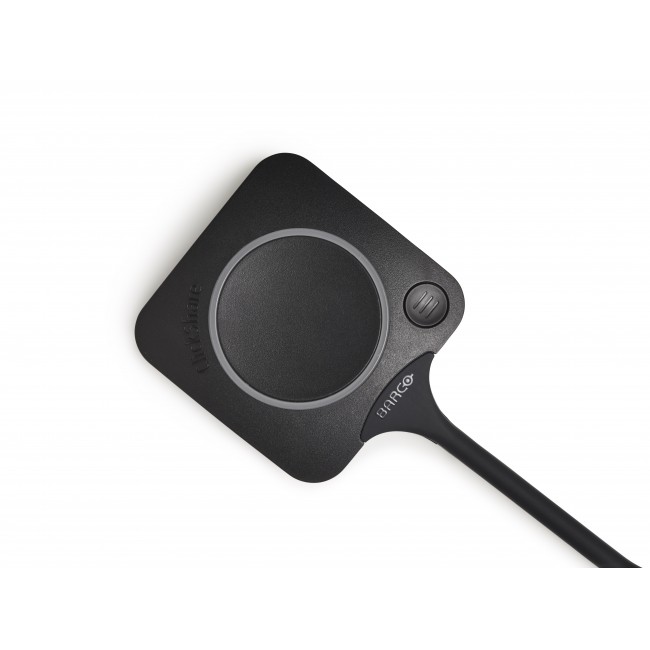


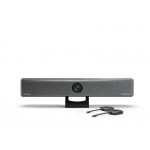
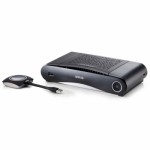
ClickShare CX-20 Wireless Conference System

0.00€ (0.00 лв.)
Ex Tax:0.00€ (0.00 лв.)
0.00€ (0.00 лв.)
Ex Tax:0.00€ (0.00 лв.)
0.00€ (0.00 лв.)
Ex Tax:0.00€ (0.00 лв.)
0.00€ (0.00 лв.)
Ex Tax:0.00€ (0.00 лв.)
Barco ClickShare CX-20wireless conference system makes holding business meetings easily accessible to all users, regardless of their location - from the office or from home. Enables fast conferencing using software of your choice combined with a ClickShareconferencing button or ClickShare app . Compatibility with operating systems - Windows 8/8.1/10. macOS 10.15 and above, Android v11 and above ( ClickShare app), iOS 14 and above (ClickShare app).
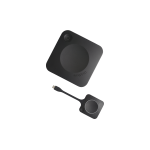
Connect the ClickSharebutton to your laptop, join the call and press the button . Barco ClickShare CX-20 is suitable for small conference rooms. You can use your preferred conferencing tool – Zoom, Webex, Teams, Skypeand more.The ClickShare button allows you to connect in seconds wirelessly to a camera, various speakers and other AV USB peripherals.The ClickShare application serves to share your laptop screen to other users. You can work on different devices – PC, MAC and mobile. The BarcoCX-20 conference system saves time and increases efficiency in the office - you can start a conversation with excellent sound and picture in less than 7 seconds.
The ClickShare CX-20 wireless conferencing system is equipped with multiple features for seamless integration with any IT network, and the XMS (Cloud) Management platform provides easy device management and security for users – ISO27001 certified. The CX-20kit includes 1ClickShare conference button . The device warranty can be extended up to 5 years by activating SmartCare .
| Характеристики | |
| Brand | Barco |
| Dimensions (L x H x D) | 34mm x 135mm x 135mm |
| Power | Standard 110/220 V AC plug |
| WLAN | IEEE 802.11 a/g/n/ac, IEEE 802.15.1 |
| Operating temperature | 0°C to 40°C |
| Certifications | FCC/CE |
| ClickShare App | Desktop, Mobile |
| ClickShare buttons | 1 |
| Compatible operating system | Windows 8/8.1/10. macOS 10.15 and higher. Android v11 and above (ClickShare App) iOS 14 and above (ClickShare App) |
| Local view and moderation | In-room display view only |
| Management and reporting | Yes |
| Native protocols | Airplay, Google Cast, Miracast |
| Network connection | LAN, Wi-Fi |
| Noise level | Max. 25dBA, 0-30°C Max. 30dBA, 30-40°C |
| Power consumption | 5-10W, 24W Max |
| Reach | Max. 30m (100 ft) between ClickShare button and ClickShare device Frequency range 2.4 GHZ, 5 GHz (DFS) |
| System requirements | For a full user experience with Microsoft Teams or Zoom. Minimum: Intel i3 dual-core processor, 8GB RAM; OS: Windows 10 latest build, Mojave latest build; Recommended: Intel i5 4-core processor, 8GB RAM; OS: Windows 10 latest build, Mac OS latest build; |
| USB | 1 X USB-A, 1 X USB-C |
| Wireless conferencing | Application, Button |
| Storage temperature | -20°C to 60°C |
| Audio outputs | USB, HDMI |
| Video outputs | 4K UHD (3840*2160) 30Hz. HDMI 1.4b |
| Interfaces | 1x Ethernet LAN 1Gbit 1x USB Type-C 2.0 (front); 1x USB Type A 2.0 (front) |
| Authentication protocol | WPA2-PSK in stand alone mode WPA2-PSK or IEEE 802.1X when using the ClickShare button in network integration mode |
| Anti-theft system | Kensington lock |
| Frequency | 2.4GHZ, 5GHz |
| Warranty | 12 months |